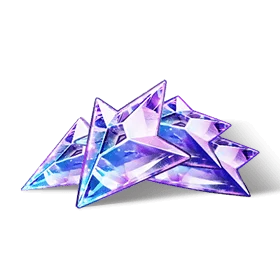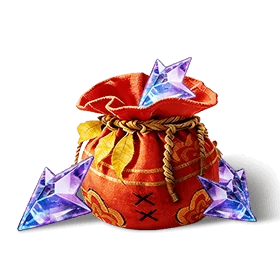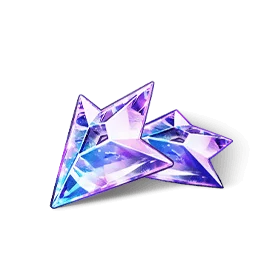
60 +7 Crimson Crest Coin
$1.03
Buy
 EN


You can top up Monster Hunter Outlanders for a friend by entering their correct Player ID on a supported UID recharge page. A UID-only order does not require the recipient’s game password, email login or verification code.The essential step is confirming your friend’s game version before payment.
Once the version and Player ID are confirmed, you can top up Monster Hunter Outlanders for your friend on UUTOP---Safe and fast!.
 Garena Monster Hunter Outlanders
Yes. An MHO top up for a friend works by delivering newly purchased Crimson Crest Coins to the account connected to the submitted Player ID.
You pay for the order, while your friend’s account receives the Coins. This is a direct account top-up rather than:
You do not need to add the recipient to your in-game friend list or join the same hunting squad. However, the receiving account must be eligible for the selected regional product.
The numerical account identifier may be described differently across game versions and recharge pages:
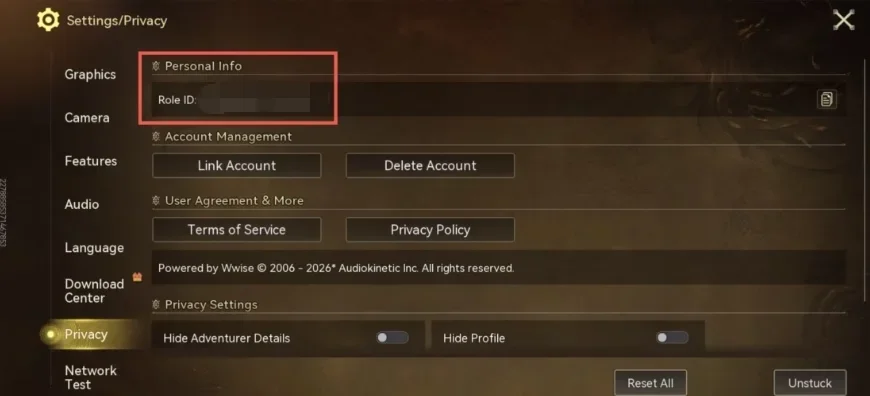
In this guide, these terms refer to the numerical identifier used to locate the receiving character. Always enter the exact number requested on the checkout page.
Ask your friend to copy the required information directly from the game.
| Information | Required? | Purpose |
| Player ID or Role ID | Yes | Identifies the receiving account |
| Game version | Yes | Confirms whether the account uses Garena or Global/Level Infinite |
| Account region | Yes | Must match the selected top-up product |
| Game password | No | Not required for UID delivery |
| OTP or verification code | No | Should not be shared |
| Email or social login | No | No need to provide |
Do not use your friend’s nickname, character name, email address or friend-list name in place of the numerical Player ID.
For the Garena version, the Player ID can generally be found with these steps:
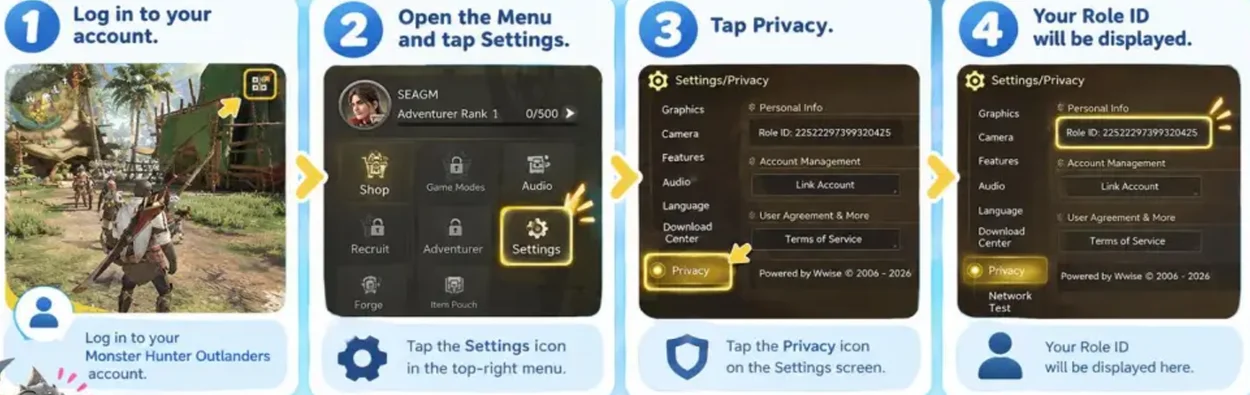
Ask whether your friend uses the Garena Asia or Global/Level Infinite version.
UUTOP currently supports ID top-ups for Garena Asia/Global servers and the Level Infinite version.
Open the UUTOP Monster Hunter Outlanders top-up page and review the available packages.
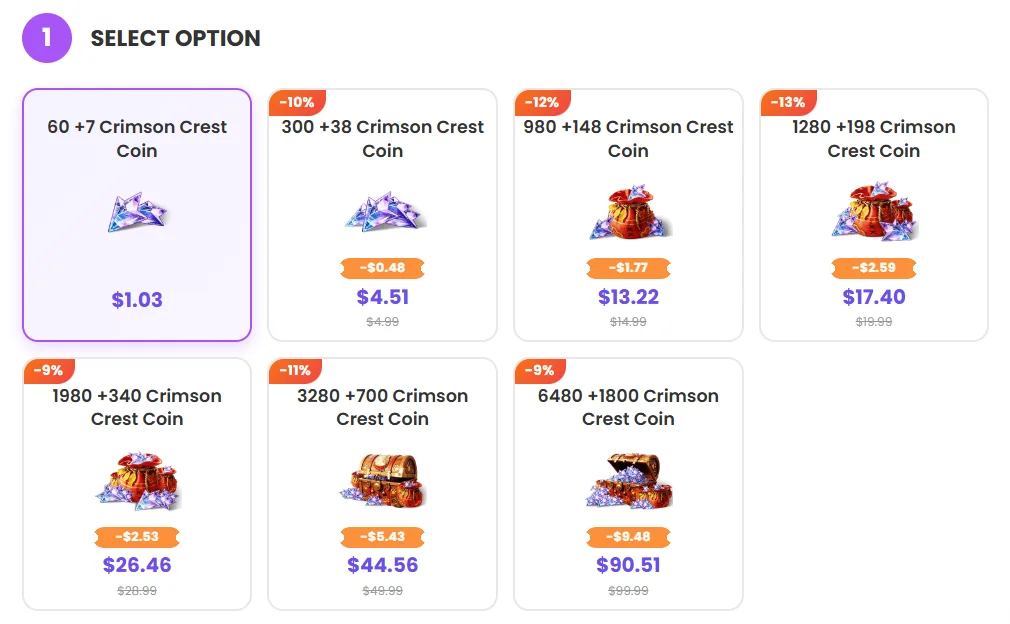
Choose a package that matches the recipient’s intended purchase. The live page shows the current Coin quantity, included bonus and checkout price.
Paste the recipient’s complete numerical Player ID into the required field.
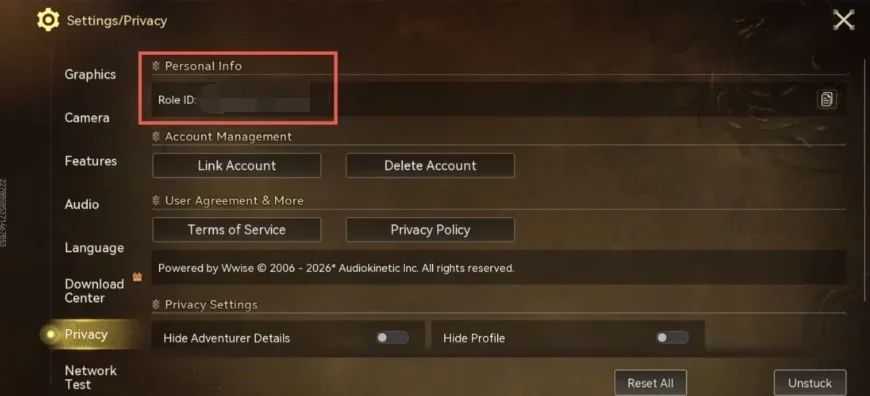
Do not enter your own ID or replace the number with their nickname. If the page requests any additional regional information, confirm it with your friend before continuing.
Check the following details:
For a larger order, ask the recipient to check the ID again before you pay.
Choose one of the payment methods displayed at checkout and complete the order. Available options can vary by region, so rely on the final information shown on the payment page.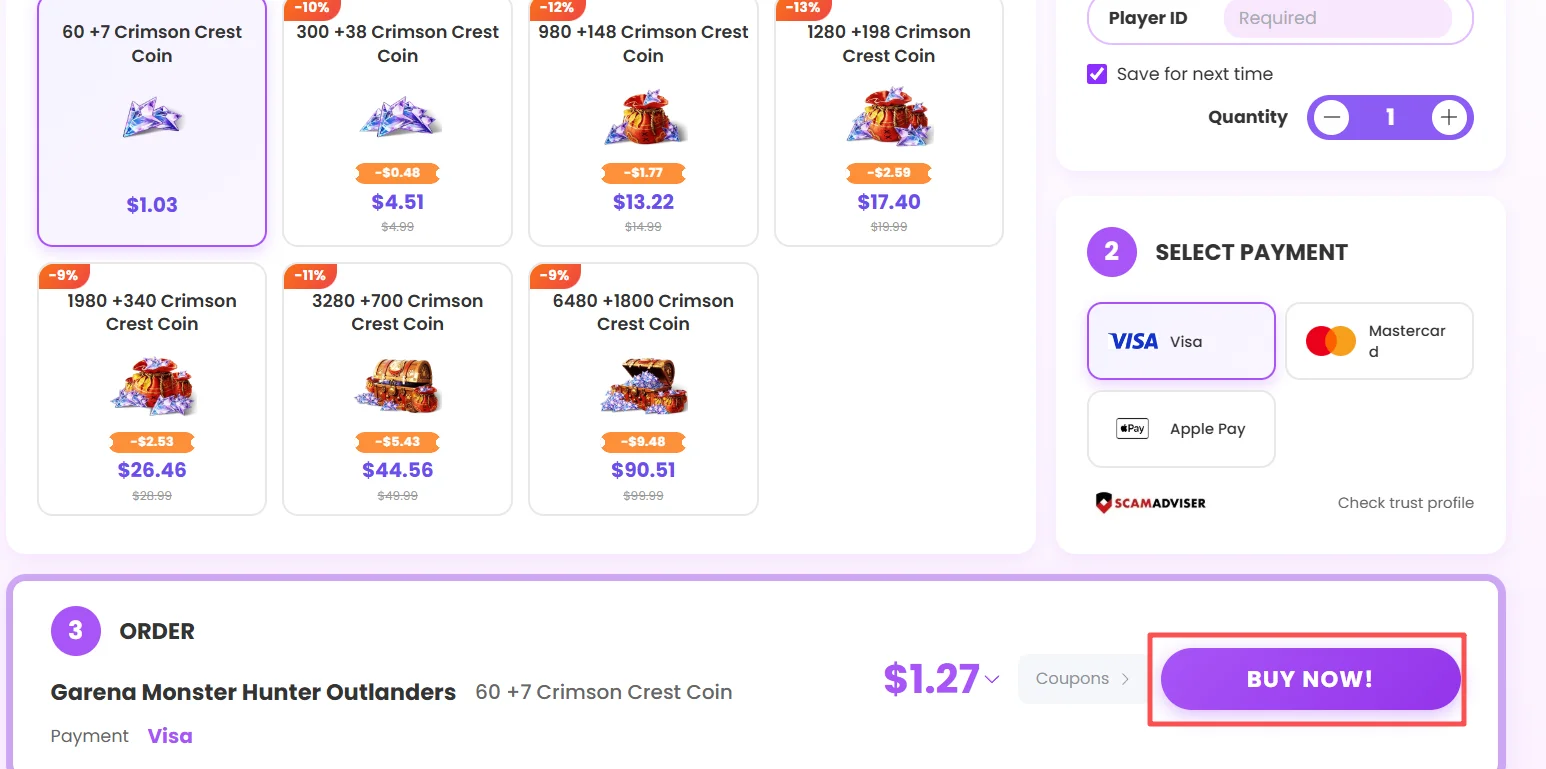
Keep the order number and payment record until the recipient confirms delivery.
After the order is completed, ask your friend to reopen the game and check their Crimson Crest Coin balance.
This confirms that the Coins reached the intended account before either of you makes another purchase.
Use this checklist before submitting the order:
If your friend cannot see the Coins:
Do not submit a duplicate order while the original transaction is still processing.
Contact UUTOP Support immediately and provide the order number and submitted Player ID.
Whether the information can be corrected depends on the order status. Once the Coins have been delivered to the submitted account, redirecting them may not be possible. Checking the ID before payment is therefore more reliable than trying to correct it afterward.
To complete a Monster Hunter Outlanders friend top up, confirm the recipient’s account and Player ID, then select the required Crimson Crest Coin package on UUTOP.
TOP UP Garena Monster Hunter Outlanders ON UUTOP
Yes. Enter the recipient’s correct Player ID and confirm that their account is eligible for the selected regional product.
No. UUTOP’s UID-based Garena Asia/Global servers and the Level Infinite version product requires the receiving account’s Player ID, not its password or verification code.
No. A UID top-up purchases new Crimson Crest Coins for the submitted Player ID; it does not move Coins from your existing balance.
Ethan Walker is a content writer at UUTOP who specializes in FPS games and gaming news. He creates clear and practical articles covering game updates, weapon guides, tactical strategies, esports, and industry trends, helping players quickly understand the latest information and improve their gameplay.