
605 Coins
$4.75
Buy
 EN

If your SuperLive Coins are not showing after payment, first reopen the app, confirm that you are logged into the correct account, and check the User ID submitted with the order. Do not place another order while the original purchase is still pending or under review.
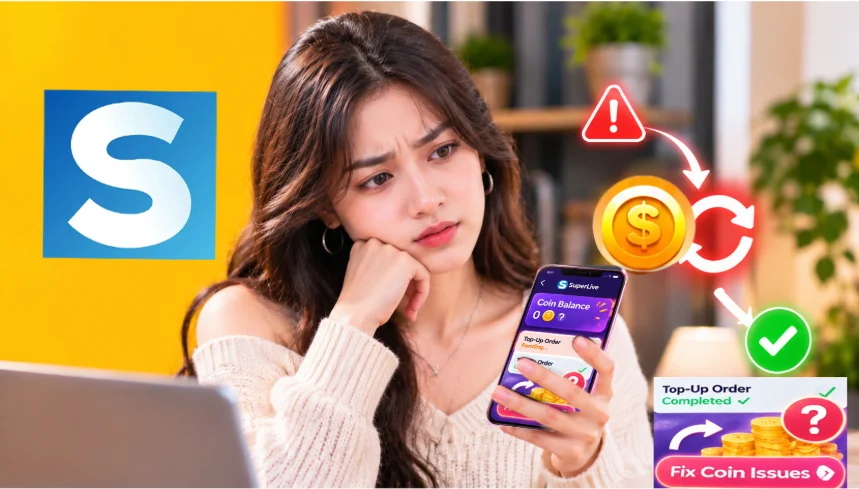
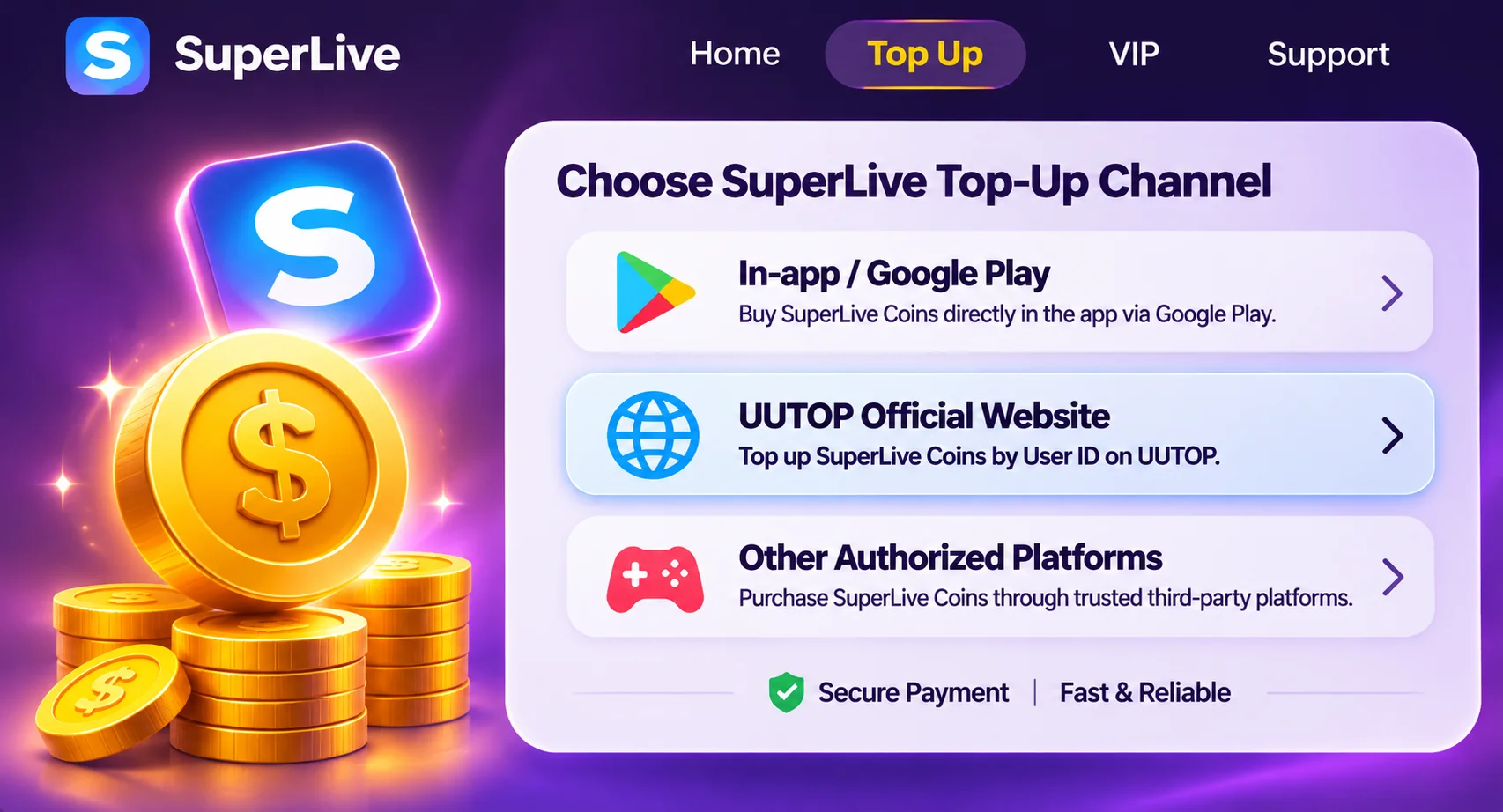
The correct solution depends on whether you purchased Coins inside SuperLive or through an ID-based recharge service such as UUTOP.
If need more Coins for virtual gifts? Visit the UUTOP SuperLive Coins page, choose a suitable package and verify the receiving User ID before payment.
 SuperLive
Complete these checks before contacting support:
A delayed balance update does not always mean that the recharge has failed. Avoid making the same purchase again until the first order has a final status.
Contact the provider that processed the original payment.
| Purchase channel | What to check | Who to contact |
| UUTOP ID recharge | UUTOP order status, package and User ID | UUTOP Customer Support |
| SuperLive in-app purchase | App receipt and SuperLive balance | SuperLive and the payment provider |
| Google Play or App Store billing | Store purchase history and transaction status | Google Play or Apple Support |
A pending order has not completed delivery. Payment verification, order review or processing may still be underway.
You should:
Do not assume that a pending order has failed simply because the Coins are not yet visible.
If a UUTOP order shows Completed, but the SuperLive Coin balance has not changed:
Provide the order number, SuperLive User ID, purchased package and relevant screenshots. These details allow support to identify the correct transaction.
If checkout displayed a payment failure, first check your bank, card or wallet record.
A bank authorization can sometimes appear before a payment is fully settled. Use the final order and payment status rather than relying only on an early banking notification.
UUTOP’s SuperLive product uses direct User ID recharge. Coins are credited to the account linked to the submitted ID; no redemption code is issued.
To verify the receiving ID:
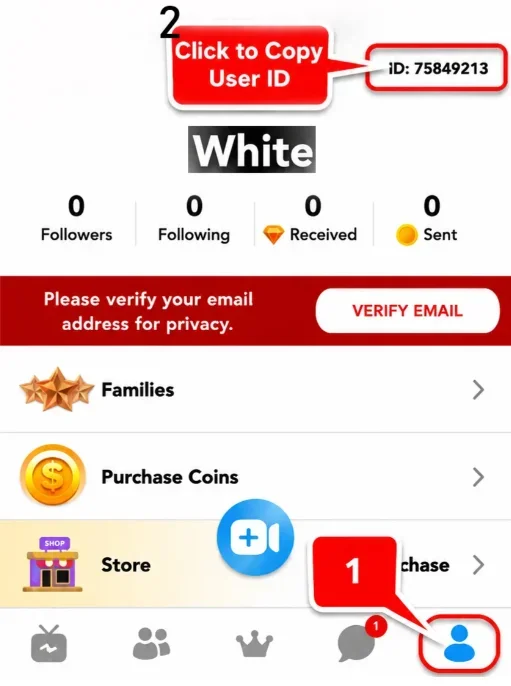
Do not use a nickname, email address or phone number in place of the SuperLive User ID.
If you notice an incorrect ID while the order is still pending, contact support immediately. Once Coins have been delivered to the submitted account, changing the recipient, transferring the Coins or reversing the recharge may no longer be possible.
SuperLive’s terms state that Coin and Gift purchases are generally final. Exceptional refund reviews may be considered for duplicate transactions, unauthorized charges, technical errors or Coins that were not correctly credited. This does not mean every missing-Coin report will automatically receive a refund.
For UUTOP purchases, refund eligibility depends on the order status, delivery result and applicable UUTOP terms. Coins already delivered to the submitted User ID normally cannot be treated as an undelivered order.
Before contacting your bank or opening a chargeback:
Do not place duplicate orders while the first case is unresolved.
Before your next purchase:
If you need to recharge again after resolving the issue, use the UUTOP SuperLive Coins page and check every digit of the receiving User ID before payment.
TOP UP SuperLive ON UUTOP
There is no single verified delivery time that applies to every purchase channel. Check the estimated processing information and order status shown by the provider you used.
Reopen SuperLive, verify the receiving account and User ID, then contact UUTOP with the order number, package and screenshots.
Usually not after delivery. If the order is still pending, contact support immediately before it is processed.
Elena Carter is a content writer at UUTOP who focuses on creating clear, practical, and engaging articles. She is committed to helping readers quickly understand useful information and enjoy a smoother reading experience.
