


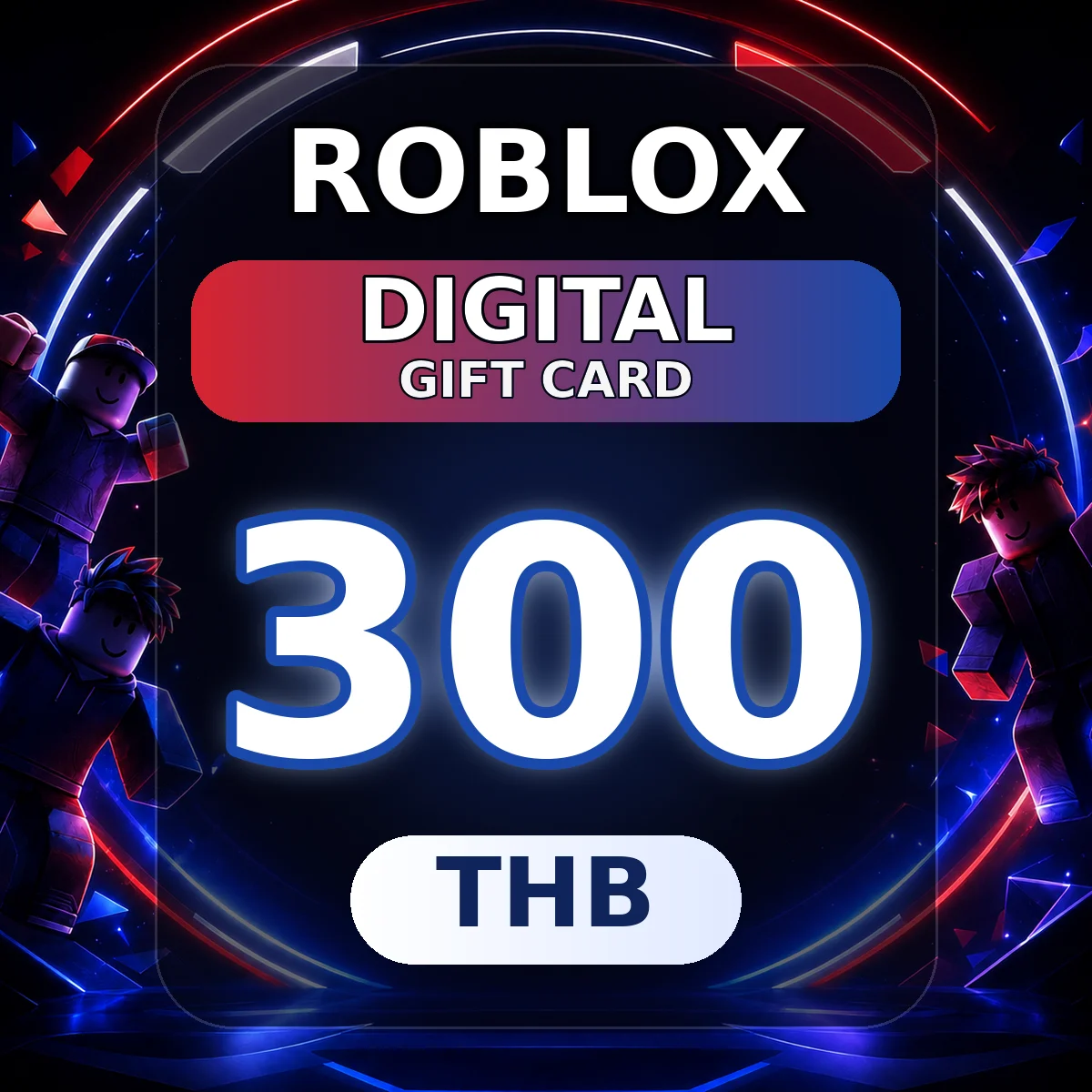
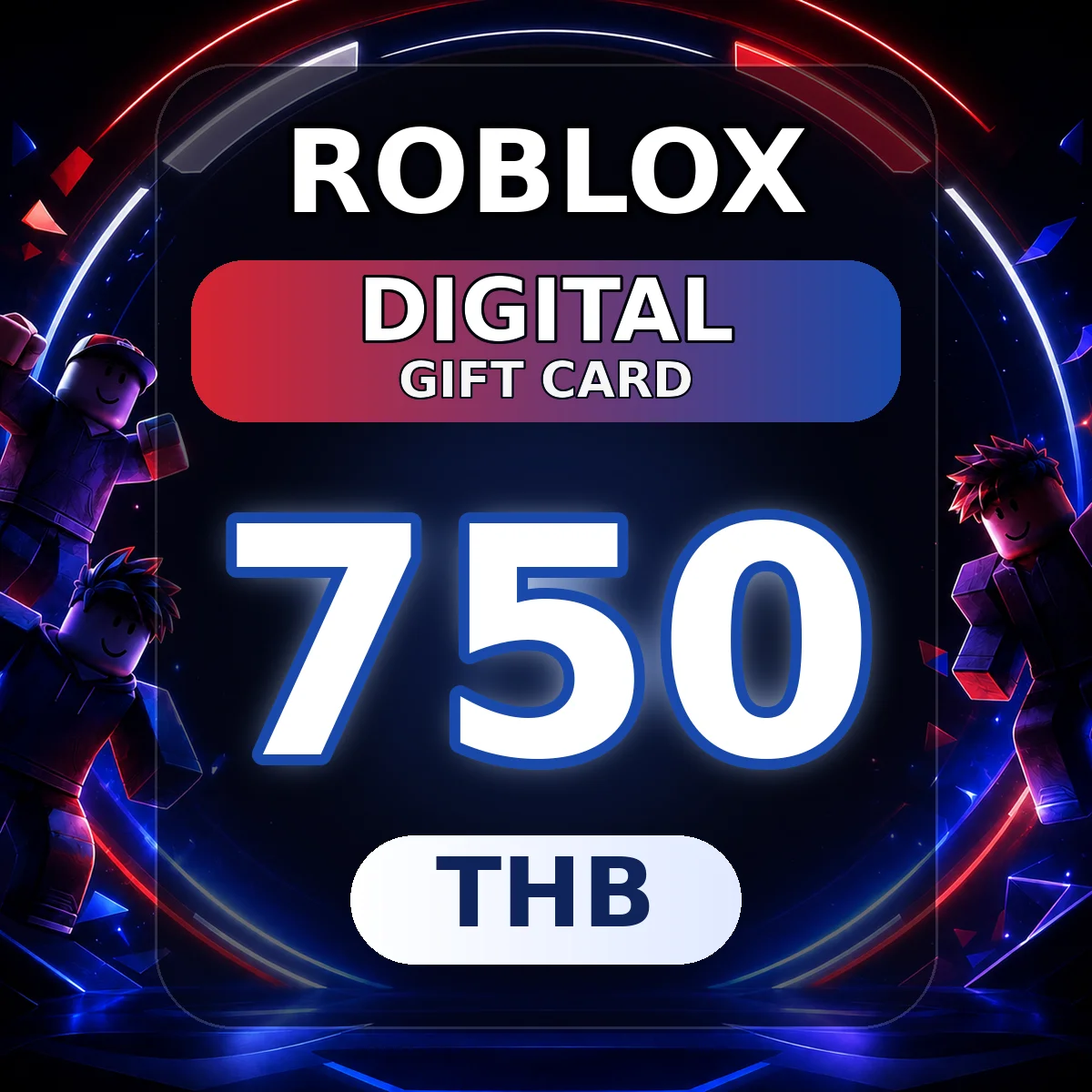
Roblox Digital Gift Card (US)
SELECT OPTION

Description
How to Buy a Gift Card
- Choose a denomination
- Pay securely
- Get your code
- Redeem on the official site
About Roblox Gift Cards
A Roblox Gift Card is a digital gift card code for Roblox users. Once successfully redeemed, the value will be added to your Roblox account according to Roblox's applicable rules, usually appearing as Roblox Credit. The credit can be used for eligible Roblox purchases.
Roblox is an online gaming and creation platform where users can explore different experiences, purchase virtual items, customize their avatars, participate in creator-made content, and make supported purchases using Robux or Roblox Credit. Roblox Gift Cards are suitable for users who want to purchase Robux, subscribe to Roblox Premium, buy avatar items, purchase in-experience items, or access other Roblox digital content.
Roblox Gift Cards may support accounts in different regions, depending on the code's eligibility and Roblox's applicable rules. If your Roblox account region or account currency differs from the currency of the gift card, the value may be converted according to Roblox's regional and currency policies. The actual credited amount and available balance are subject to the information displayed on Roblox's official redemption page and in your account.
Why Buy Roblox Gift Cards on UUTOP?
- Digital Code Delivery: Receive a Roblox Digital Gift Card code after purchase and redeem it yourself through the official Roblox website.
- For Roblox Players: Add credit to eligible Roblox accounts according to the gift card's supported usage.
- Flexible Usage: Roblox Credit can be used for eligible Robux purchases, Roblox Premium, avatar items, and other supported Roblox content.
- No Password Required: UUTOP does not require your Roblox password, OTP, verification codes, or login information.
- Multiple Usage Scenarios: Use your balance for gaming experiences, avatar customization, virtual item purchases, and eligible Premium-related services.
How to Redeem Roblox Gift Cards
- Visit the official Roblox Gift Card redemption page.
- Sign in to the Roblox account where you want to redeem the code.
- Enter your Roblox Digital Gift Card code correctly.
- Check the redemption details before proceeding.
- Click Redeem.
- Once redemption is complete, check your Roblox Credit balance.
- Use your credit for eligible Roblox content or services.
The actual redemption result and available balance are subject to the information displayed on Roblox's official website and in your account.
What Can Roblox Credit Be Used For?
After redemption, the value will be added to your account according to Roblox's applicable rules. It can be used for supported Roblox purchases depending on your account region, payment availability, and platform policies. Common uses include:
- Purchasing Robux.
- Purchasing Roblox Premium.
- Buying avatar items, clothing, accessories, and other virtual items.
- Purchasing supported in-experience content or services.
- Making other eligible purchases using your Roblox account balance.
Before purchasing, make sure your Roblox account supports Roblox Credit and that the product or service you want to purchase accepts the applicable payment method.
Account, Region, and Balance Conversion Information
Roblox Gift Cards may have different supported regions, denominations, and redemption requirements. Accounts in different regions may not be eligible to redeem the same gift card. Please refer to the supported region stated on the product page and Roblox's official policies.
If your Roblox account region or account currency differs from the gift card's denomination currency, the balance may be converted according to Roblox's applicable rules. The actual credited amount, displayed balance, Robux purchasing value, and available Roblox Premium purchase options are subject to the information shown on Roblox's official redemption page and in your account.
Please check the following:
- You are signed in to the correct Roblox account.
- The selected gift card is eligible for your account and region.
- You redeem the code only through the official Roblox website.
- The code has been entered correctly.
- You have checked the balance, currency, and actual credited amount displayed on the redemption page.
- The Roblox purchase you want to make supports the applicable payment method.
- Do not share your Roblox Gift Card code with unknown third parties.
Security Notice
Redeem Roblox Gift Cards only through the official Roblox website. Do not enter your code on unofficial websites, fake customer support pages, suspicious links, trading platforms, or in response to third-party payment requests.
Keep your Roblox Gift Card code secure. Once redeemed, the code generally cannot be reversed or transferred, subject to Roblox's applicable policies.
UUTOP does not require your Roblox password, OTP, verification codes, login information, or other sensitive account details.
FAQ
Q1: What is a Roblox Gift Card?
A: A Roblox Gift Card is a digital gift card code that can be used to add credit to eligible Roblox accounts, subject to the code's supported usage and Roblox's applicable rules. The credit can be used for supported Roblox purchases.
Q2: What can Roblox Credit be used for?
A: Roblox Credit can be used for eligible Robux purchases, Roblox Premium, avatar items, in-experience content, and other supported Roblox services, depending on your account eligibility and platform policies.
Q3: Where can I redeem a Roblox Digital Gift Card code?
A: Sign in to the correct Roblox account and enter your code on the official Roblox Gift Card redemption page.
Q4: Can Roblox Gift Cards be redeemed across regions?
A: Cross-region redemption depends on the gift card's eligibility and Roblox's applicable rules. Before purchasing, check that the supported region stated on the product page is compatible with your account.
Q5: Why is the credited amount different from the gift card's denomination?
A: If your account region or currency differs from the gift card's denomination currency, Roblox may convert the value. The actual credited amount is determined by the information displayed by Roblox.
Q6: Do I need to provide my Roblox password?
A: No. UUTOP does not require your Roblox password, OTP, verification codes, or login information. You can redeem the code yourself through the official Roblox website.
Q7: What should I check before redeeming?
A: Confirm the gift card's supported region, your account, and the code details. Before completing redemption, check the balance and currency displayed on the official page.
Q8: Can I get a refund after the code is delivered?
A: Refund requests for digital products are subject to UUTOP's after-sales policy and applicable regulations. Before purchasing, confirm the product type, supported region, redemption account, and intended use.