


MyCard Points Card (TW)
 Taiwan
About MyCard Points Card (TW)
MyCard Points Card (TW) is a digital points card for Taiwan MyCard services. After purchase, you will receive a MyCard card number and password. The points can be added to a MyCard member account and then used through MyCard member point deduction for supported games and digital services.
Some supported games and services may also allow direct card redemption by entering the card number and password on their official top-up page. Available methods depend on the relevant MyCard, game, or service page.
How to Add Points to a MyCard Member Account
- Visit the official MyCard website or open the MyCard App.
- Select Points Top-Up or Card Top-Up.
- Enter the MyCard card number and password.
- Select MyCard Member Points.
- Log in and confirm the correct MyCard member account.
- Submit and complete the top-up.
Important Notes
• This product provides a MyCard card number and password. It is not an account direct top-up product.
• Make sure the account, game, or digital service supports Taiwan MyCard points.
• Usage methods and supported content depend on MyCard and the relevant service page.
• Enter the card details only on official MyCard pages or official game and service pages that support MyCard.
• A digital points card cannot be reversed or refunded after delivery or use.
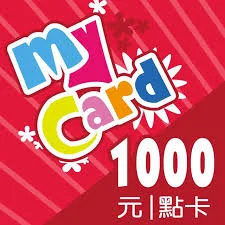
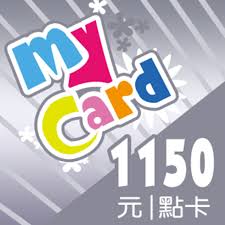
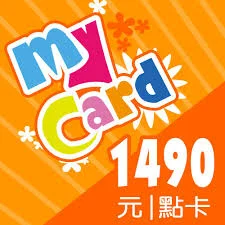
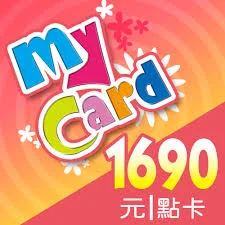
SELECT OPTION
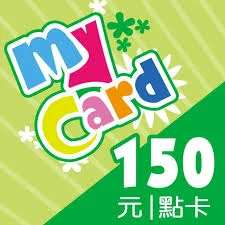
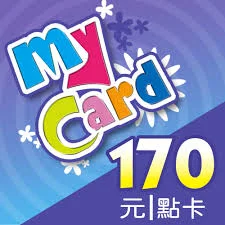
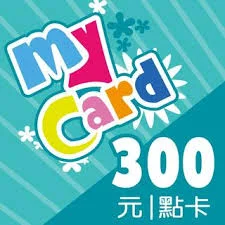
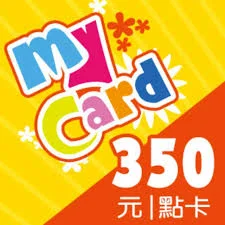
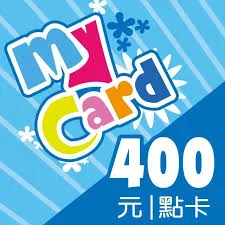
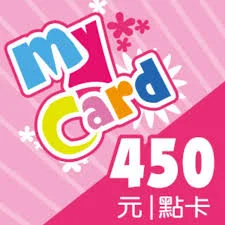
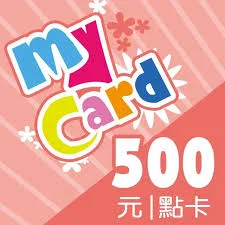
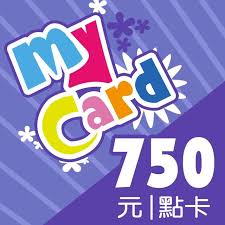
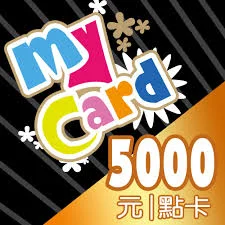
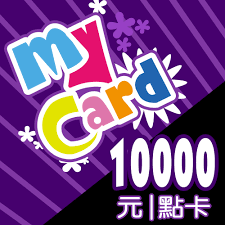
SELECT PAYMENT



Detailed Description
About MyCard Points Card (TW)
MyCard Points Card (TW) is a Taiwan MyCard digital points card delivered as a card number and password. The points can be added to a MyCard member account and then used through MyCard member point deduction for supported game credits, digital content, and related services.
MyCard points are not a general cash balance that can be used on every platform. Supported games, digital content, top-up items, and required points are determined by MyCard and the relevant participating service. Confirm that the intended game or service supports MyCard before purchasing.
Some games or digital services that support MyCard may provide direct card redemption. In that case, users can select MyCard Points Card on the official top-up page and enter the card number and password. Page layout and steps vary by service.
Method 1: Add the Card to MyCard Member Points
- Visit the official MyCard website or open the MyCard App.
- Select Points Top-Up or Card Top-Up.
- Enter the MyCard card number and password you received.
- Select MyCard Member Points.
- Log in to your MyCard member account.
- Confirm the account that will receive the points.
- Submit and complete the top-up.
After the points are added to the member account, they can be used on supported games or digital services:
- Open the official top-up page of the supported game or service.
- Select the item or top-up package.
- Select MyCard Member Point Deduction as the payment method.
- Log in to the MyCard member account.
- Confirm the point deduction and complete the transaction.
Method 2: Redeem the Card Directly on a Supported Game or Service
- Visit the official top-up page of the intended game or digital service.
- Log in to the game or service account that should receive the top-up.
- Select the item or amount.
- Select MyCard Points Card as the payment method.
- Enter the MyCard card number and password.
- Check the account and order information before confirming.
Not every game or digital service supports direct MyCard card redemption. Refer to the official page of the intended service.
What MyCard Points Can Be Used For
MyCard points can be used for supported games and digital content, including:
• Supported game credits or virtual currency
• In-game products, bundles, or related content
• Supported digital services through MyCard member point deduction
• Other participating content currently listed by MyCard
Supported content and required points may change. Refer to the actual service page before completing the transaction.
Taiwan Region and Compatibility
This product is MyCard Points Card (TW). Before purchasing, make sure that:
• You need a Taiwan MyCard points card.
• The intended game or digital service supports MyCard.
• The selected item supports a points card or MyCard member point deduction.
• You are logged in to the correct MyCard, game, or service account.
• The card number and password have not been used elsewhere.
Region, service version, game operator, and account status may affect compatibility.
Why Buy MyCard Points Card (TW) on UUTOP
• Digital card delivery: Receive a MyCard card number and password.
• Member points support: Add the points to an eligible MyCard member account.
• Flexible usage: Use member point deduction, while some services also support direct card redemption.
• No account password required: UUTOP does not require your MyCard or game password, OTP, or verification code.
• Suitable for supported games and digital services.
Security Reminder
Use the card number and password only on the official MyCard website, MyCard App, or official game and digital service pages that clearly support MyCard.
Do not enter your MyCard card details on unknown links, unofficial trading pages, fake support pages, or third-party payment requests. Do not share unused card details with other people.
UUTOP does not require your MyCard member password, game password, OTP, SMS verification code, or other login credentials.
FAQ
Q1: What is MyCard Points Card (TW)?
A: It is a Taiwan MyCard digital points card delivered as a card number and password.
Q2: Is this an account direct top-up product?
A: No. You need to use the delivered card number and password to complete the top-up.
Q3: How do I use the MyCard Points Card?
A: Add it to MyCard Member Points through the official MyCard website or App. Some supported services also allow direct card redemption.
Q4: Can I top up a game directly?
A: Only when the intended game or service supports direct MyCard card redemption. Check its official top-up page.
Q5: How do I use the points after adding them to MyCard?
A: Log in to the MyCard account on a supported game or digital service and select MyCard member point deduction.
Q6: Do I need to provide my MyCard account to UUTOP?
A: No. UUTOP delivers the card number and password and does not need your account password or verification code.
Q7: What should I do if the card number or password is rejected?
A: Check every character and confirm that you are using the correct redemption page. Keep the order and card information for investigation, and do not repeatedly submit the card to multiple accounts.
Q8: Can I receive a refund after delivery?
A: No. A digital points card cannot be reversed or refunded after delivery or use.
