

MLBB Diamonds Not Received? Causes, Fixes, and Top-Up Troubleshooting

How Long Does an MLBB Diamonds Top Up Take?
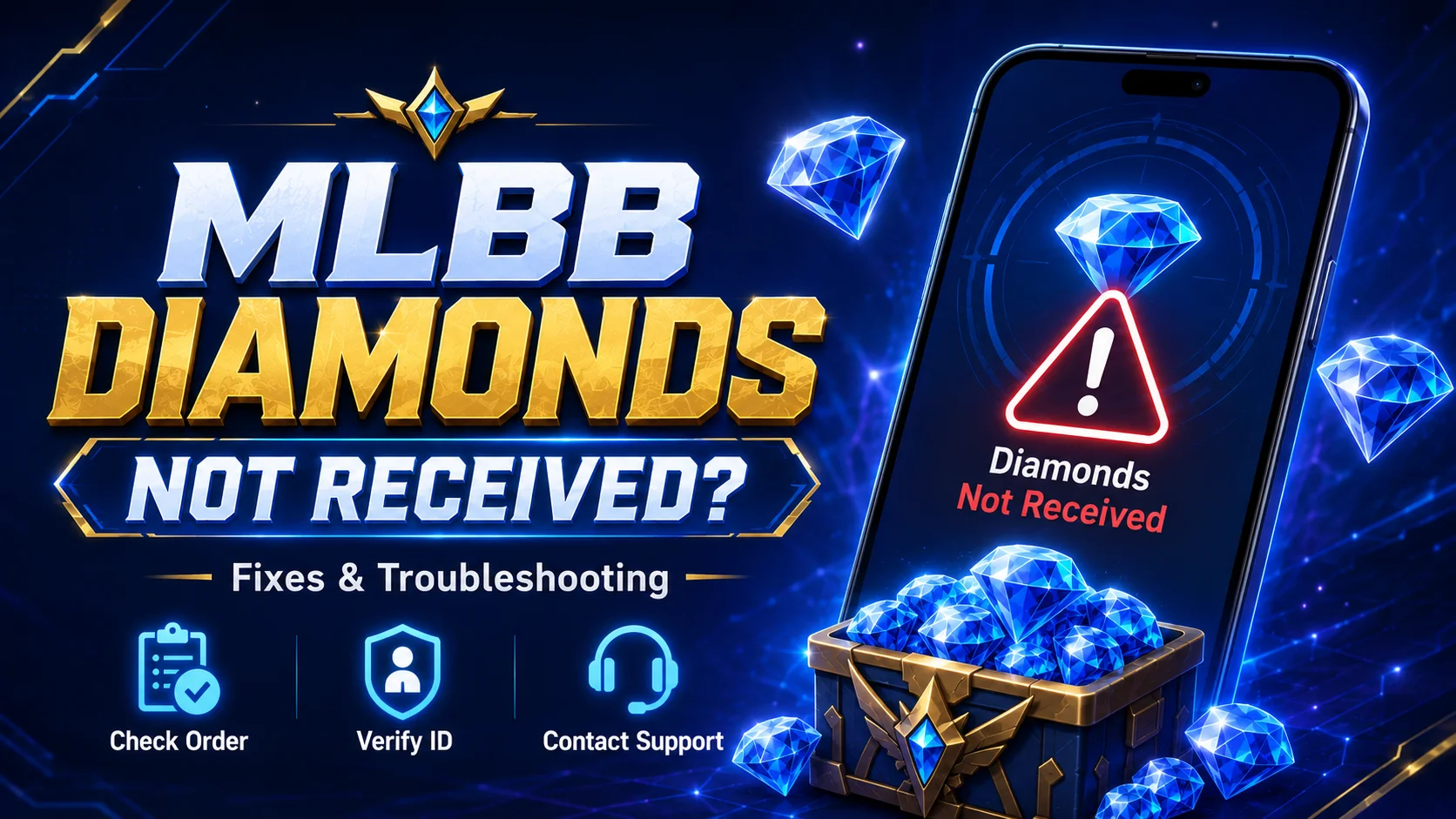
Diamond delivery begins after the payment is confirmed and the order enters processing. The exact time can depend on:
- Payment confirmation
- Correct User ID and Zone ID
- Order processing
- In-game balance refresh
- Temporary system or network conditions
If the Diamonds are not visible immediately, restart Mobile Legends and check the balance again. A delayed display does not always mean the delivery failed.
Why Use UUTOP for an MLBB Diamonds Top Up?
UUTOP keeps package selection, account information, order review, and checkout within one purchase flow. This allows players to see what they are ordering and verify the submitted details before paying.
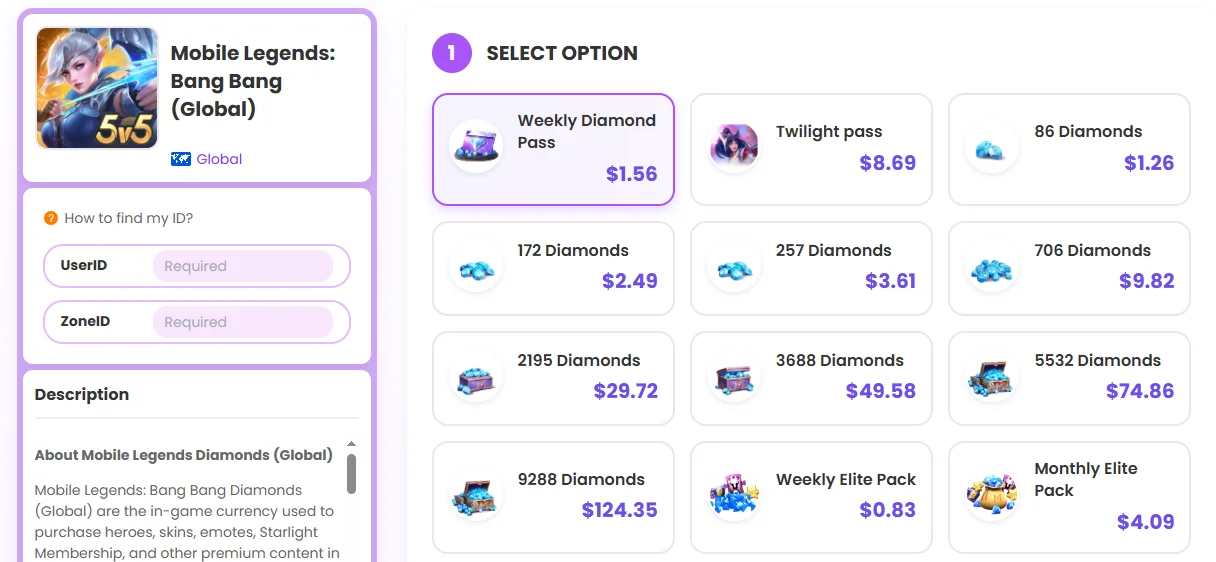
The process is based on the account identifiers required for Diamond delivery, so users do not need to share their Mobile Legends password. Order information can also be retained if customer support is needed.
What to Do If Your MLBB Diamonds Have Not Arrived
If you purchased MLBB Diamonds through UUTOP and they have not appeared in your account, work through these checks in order:
- Confirm the payment status. Make sure your UUTOP payment succeeded rather than remaining pending or being declined.
- Review the account details. Compare the User ID and Zone ID submitted in your UUTOP order with the information shown in your in-game profile.
- Refresh Mobile Legends. Restart the game and check the Diamond balance again.
- Check the UUTOP order status. Review your UUTOP order record or confirmation to see whether the purchase is still processing.
- Contact UUTOP support. Provide the UUTOP order number, purchase time, submitted IDs, selected package, payment details, and current order status.
Frequently Asked Questions
Why are my MLBB Diamonds not showing after payment?
The order may still be processing, or the game may not have refreshed the latest balance yet. Payment confirmation, account details, and temporary network conditions can also affect delivery.
What should I do if my MLBB Diamonds have not arrived?
Check the payment status, submitted User ID and Zone ID, and current order status. Restart Mobile Legends and check the Diamond balance again before contacting support.
Should I place another order if my Diamonds are delayed?
No. Avoid placing another order while the first one is still processing. A duplicate purchase may result in additional charges and make the issue harder to track.
