
25,500 Coins
$2.81
Buy
 EN
EN

 Poppo Live Coins (Global)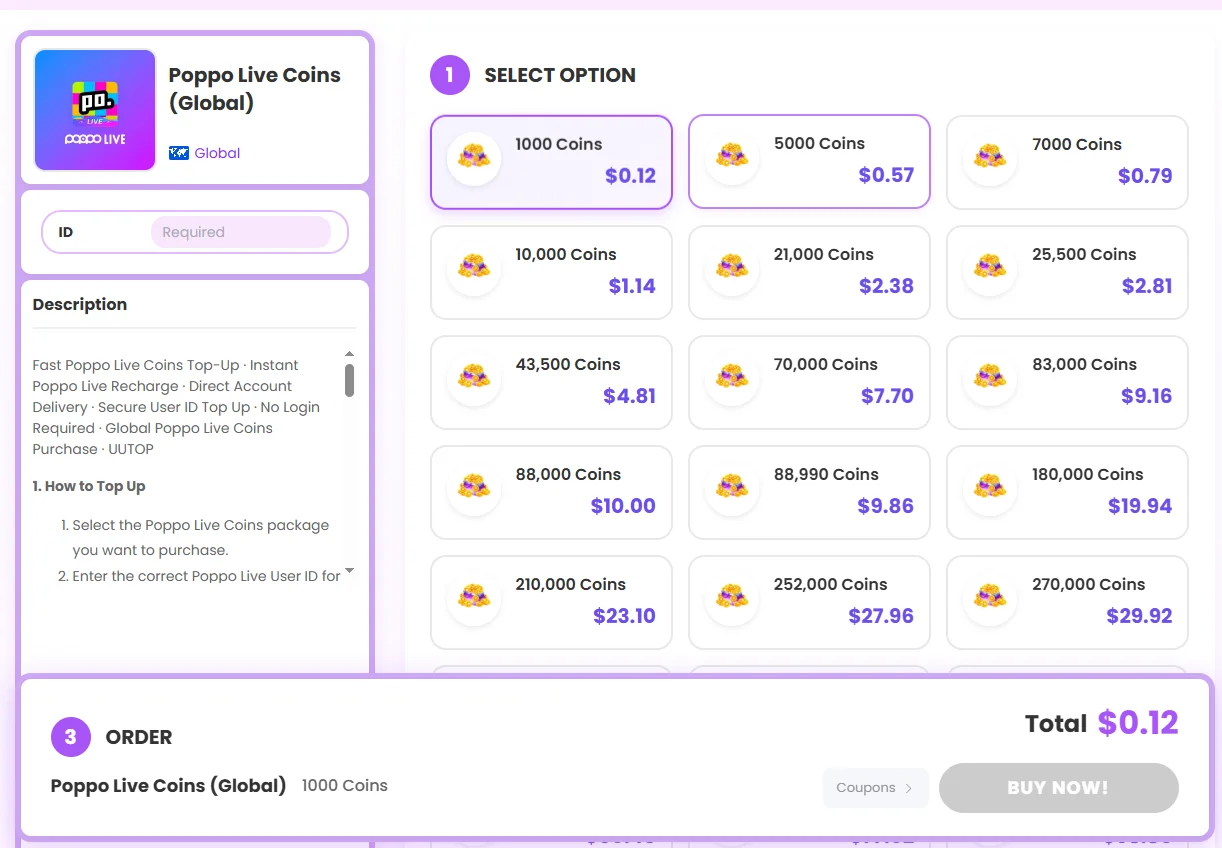
Follow these steps to complete a Poppo Live recharge:
1.Open the UUTOP Poppo Live Coins product page.
2.Select the number of Coins you want to purchase.
3.Enter the receiving account’s Poppo Live User ID.
4.Confirm the User ID, selected package and order total.
5.Choose an available payment method.
6.Complete payment.
7.Wait for the order to finish processing.
8.Open Poppo Live and check the updated balance.
Ask the recipient to copy their User ID directly from the Poppo app and tell you which package they want.
Paste the ID into the UUTOP order page, then send the entered number back to the recipient so they can confirm every digit. You should also obtain their permission before placing the order.
The recipient does not need to share their password or sign in on your device. The Coins will be delivered to the account associated with the submitted User ID.
If you notice an incorrect User ID after payment, contact UUTOP Customer Support immediately. Once the Coins have been delivered, the order cannot normally be cancelled, transferred or refunded.
Before confirming a Poppo Live recharge, check that:
•The selected product is Poppo Live Coins.
•The coin package contains the amount you want.
•The entered User ID belongs to the receiving account.
•The account can receive the corresponding Global Coins top-up.
•The displayed price and currency are correct.
•The recipient has approved the purchase if you are topping up for someone else.
•For a UUTOP order, only the Poppo Live User ID is required. Do not provide your account password, email password, SMS code, email verification code or OTP.
Check that the payment method has sufficient funds and supports the checkout currency.
For an in-app purchase, review the billing information and transaction status in the relevant app store. For a UUTOP order, choose another payment option available at checkout or contact UUTOP Customer Support.
Do not repeatedly submit the same order, as this may create duplicate charges or several pending transactions.
For a UUTOP recharge:
1.Check whether the order is still processing or shows Completed.
2.Close and reopen Poppo Live.
3.Confirm that you are signed in to the correct account.
4.Compare the User ID in Poppo Live with the ID on the order.
5.Check the coin balance again.
6.Contact UUTOP Customer Support if the Coins are still missing.
7.Provide the order number, User ID, account nickname, selected package and relevant screenshots. Do not place another order for the same package while the original transaction is being reviewed.
8.For an in-app purchase, check the app-store transaction status and contact the relevant app-store or Poppo Live support channel.
No. UUTOP only requires the correct Poppo Live User ID. Do not provide your password, OTP or verification codes.
Yes. Ask the recipient to confirm their User ID and selected package before payment. Their account login is not required.
Contact UUTOP Customer Support immediately if you entered the wrong information. Once an order is processing or the Coins have been delivered, it cannot normally be cancelled, changed, transferred or refunded.
